
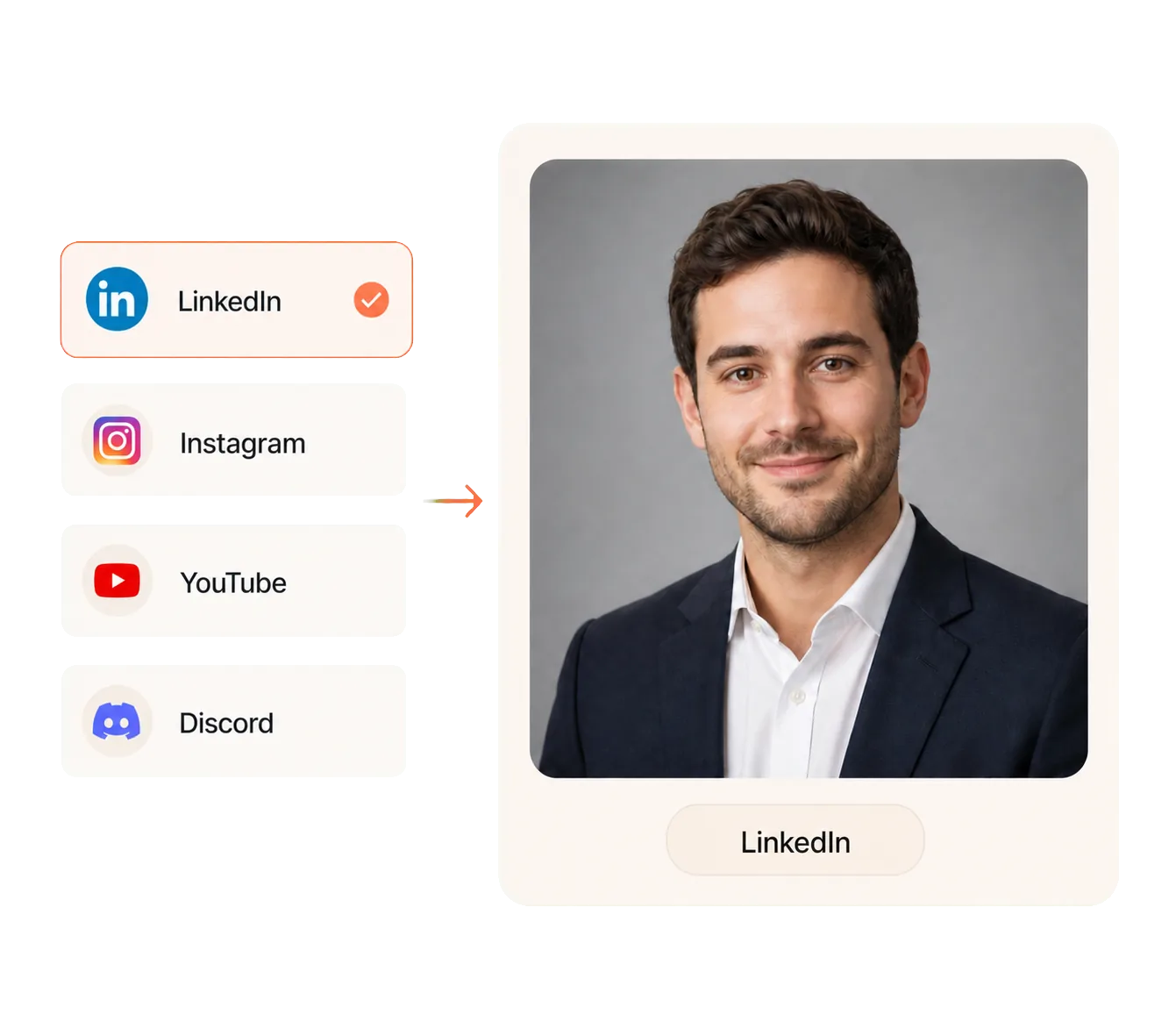
Match Each Portrait to Its Destination
Choose where your portrait will be used, and the AI adapts the framing and tone for professional profiles, creator channels, or messaging accounts.
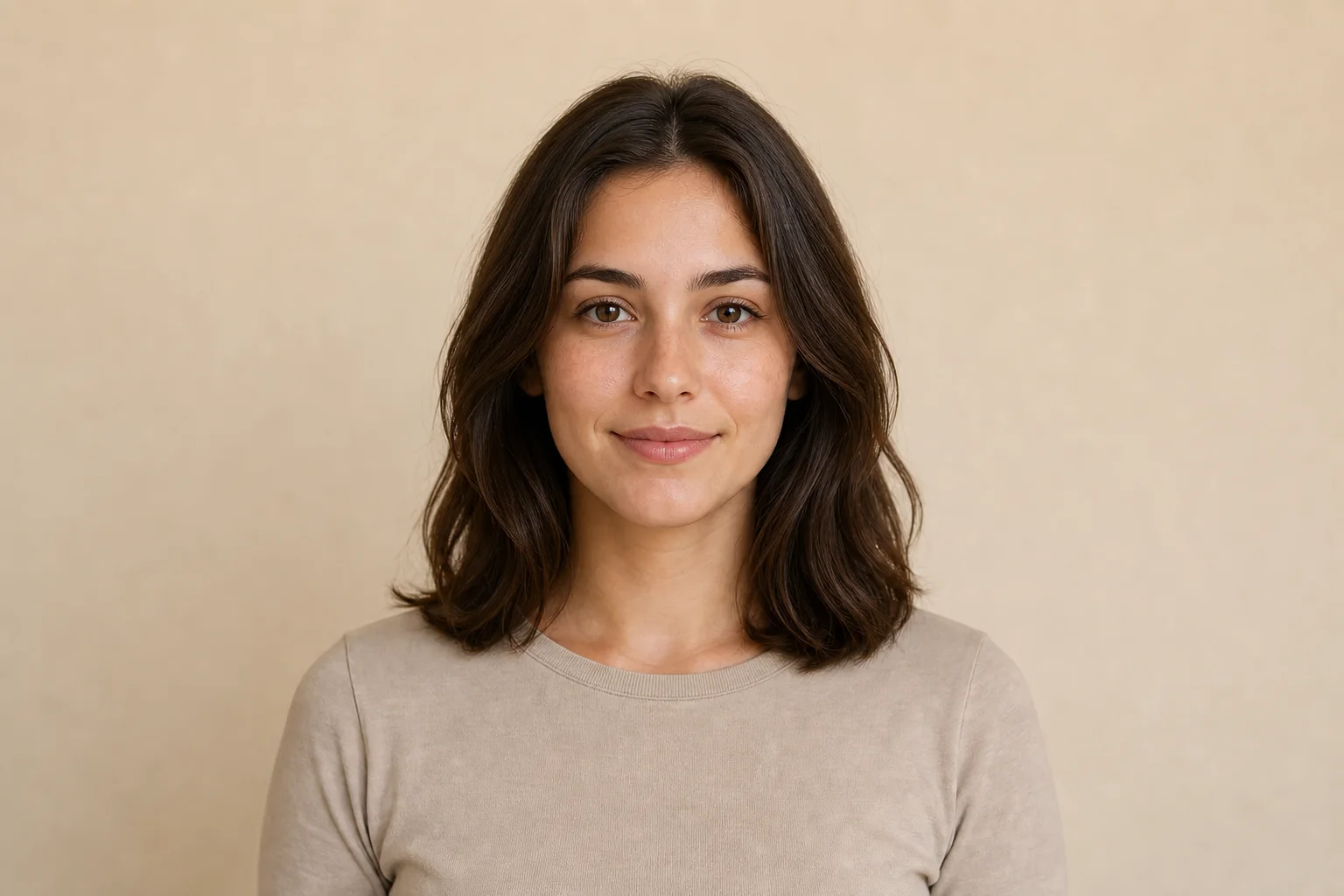
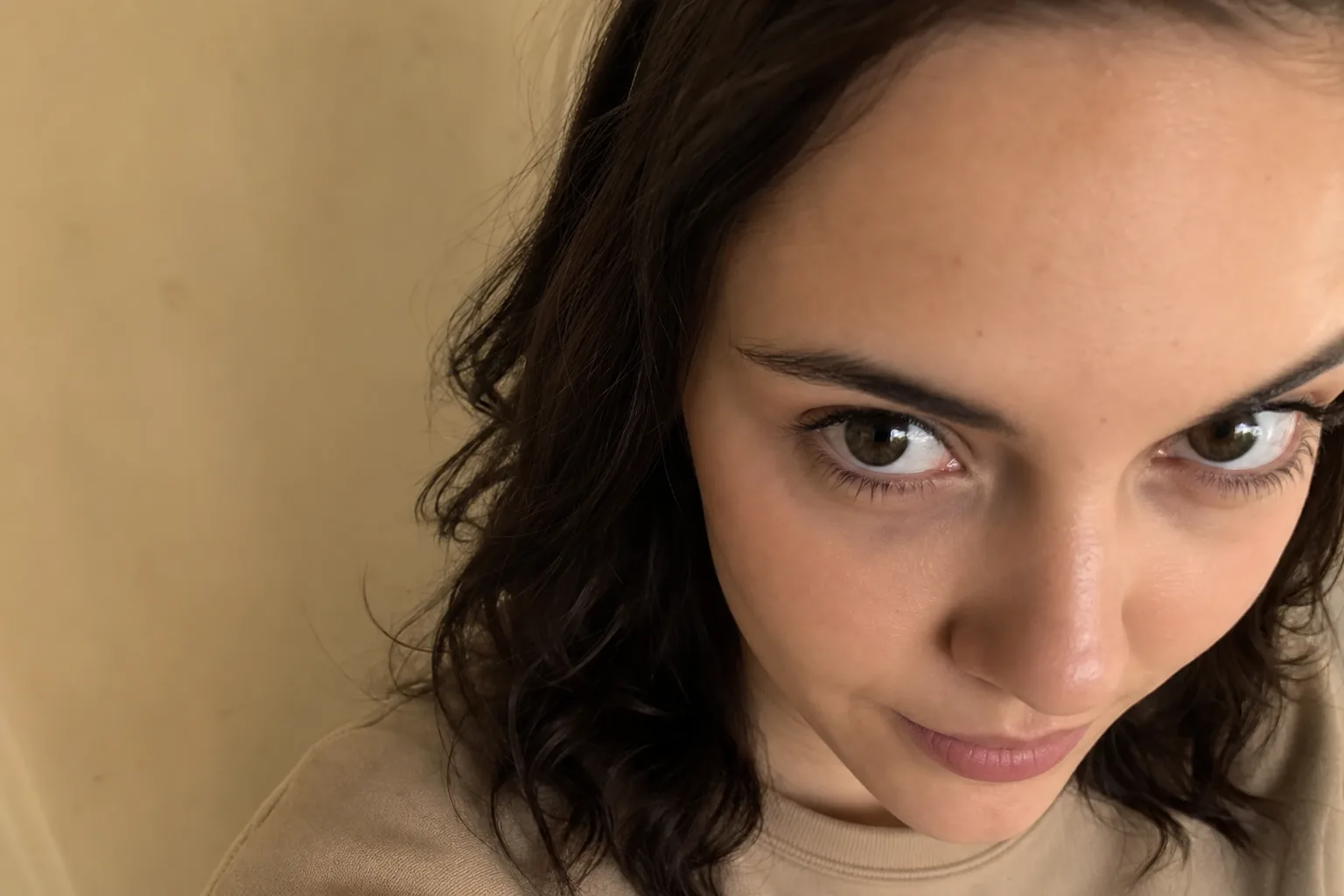
 Before
 After
AfterThanks—your feedback was recorded.
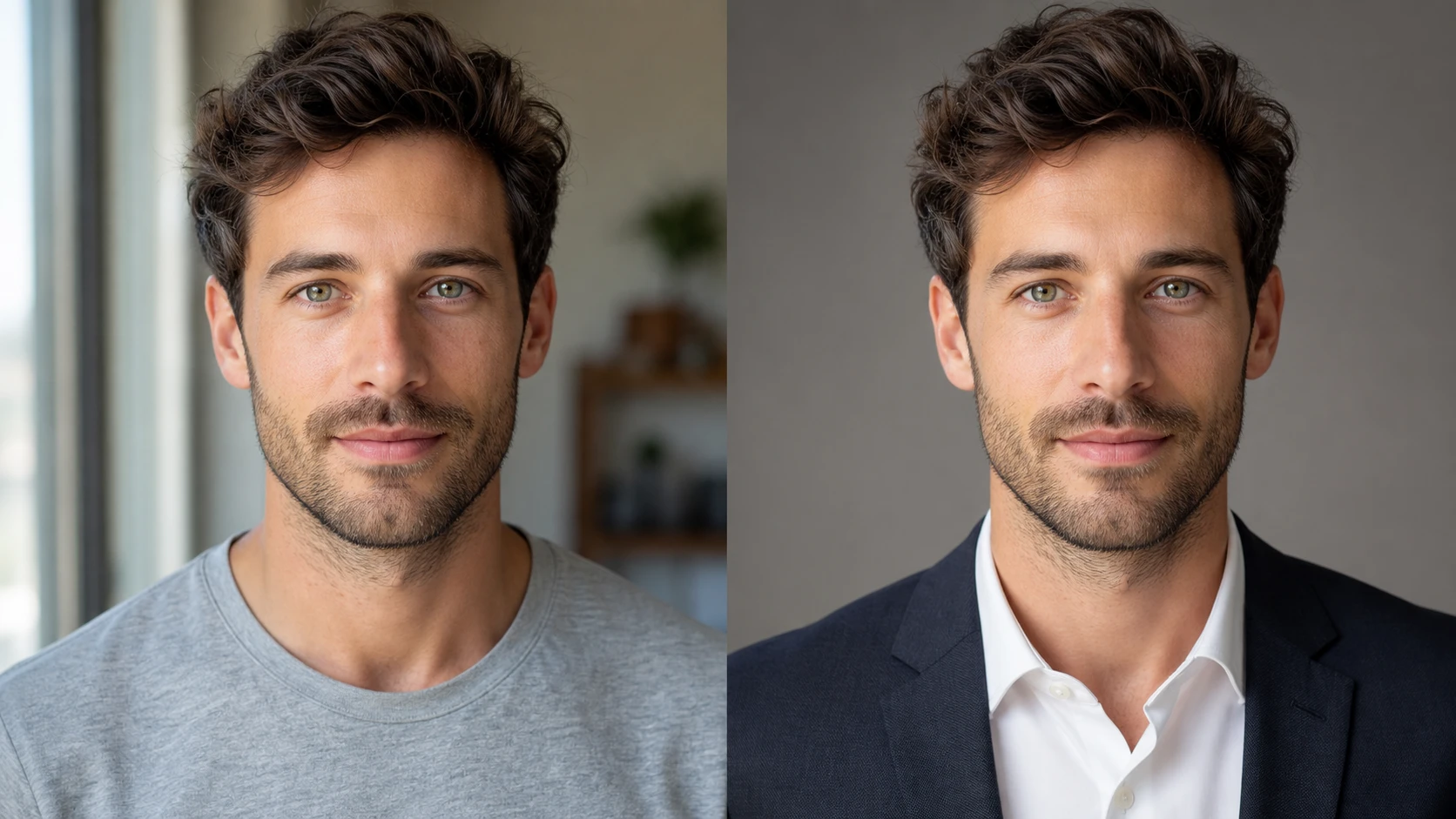
An AI portrait generator turns one uploaded portrait photo into a new profile-ready image. With Default selected, the platform supplies the art direction. Choosing a specific visual style replaces that platform art direction so the chosen style can be generated without conflicting cues.
It is designed for professionals, job seekers, social users, creators, founders, and community members who need a portrait for a specific account or document. Instead of asking users to begin with a blank prompt, the workflow starts with where the image will be used so the generated portrait has a clearer purpose.
Choose where your portrait will be used, and the AI adapts the framing and tone for professional profiles, creator channels, or messaging accounts.
 Realistic
 Anime
Anime Cinematic
 3D
3D SketchSelected style Cinematic
Turn one uploaded photo into realistic, cinematic, anime, cartoon, 3D, painting, fantasy, or sketch portraits. Choose a preset style without rewriting a technical prompt.
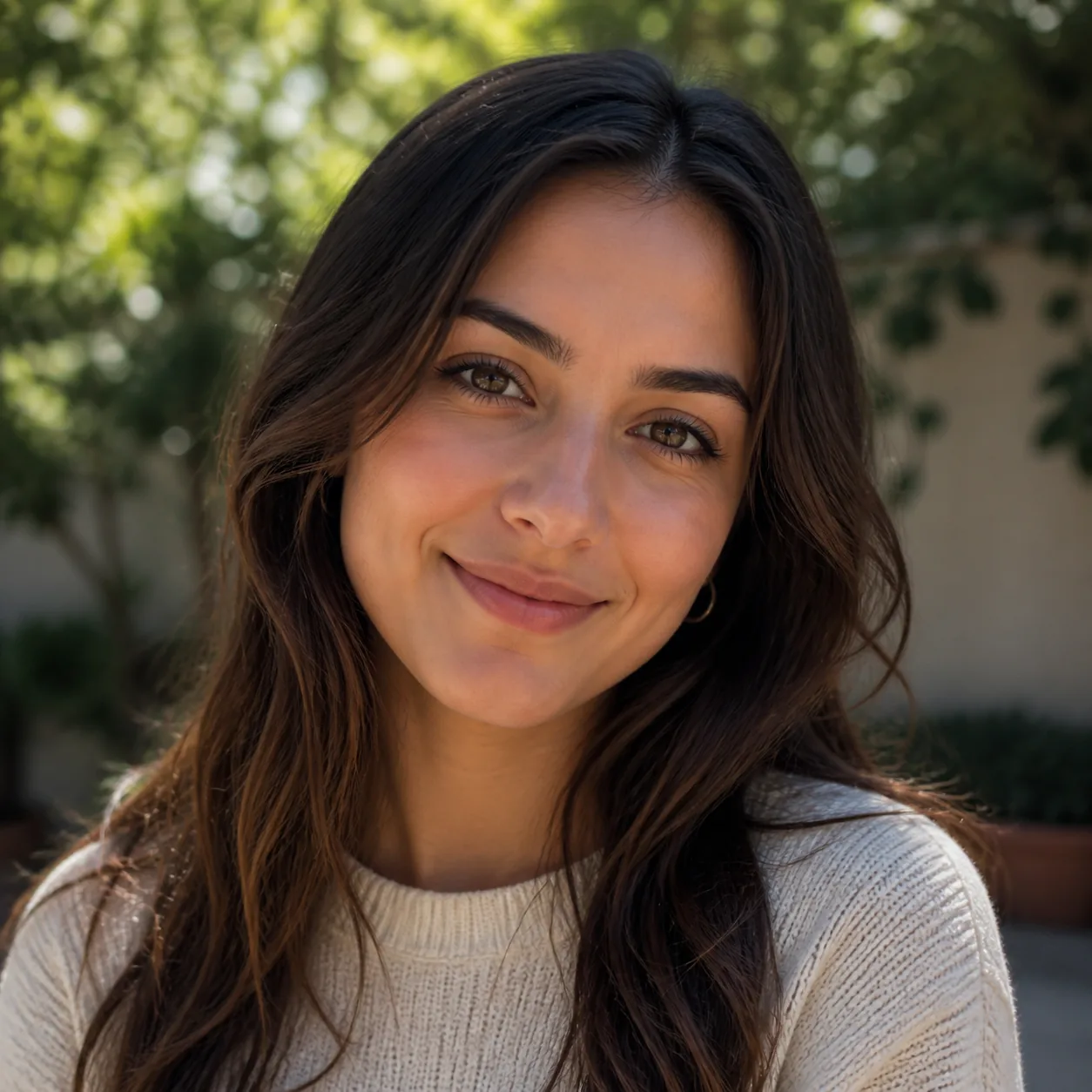
Open any result to adjust the crop, make a focused change with AI Edit, or enhance the selected portrait without changing the rest of the series.
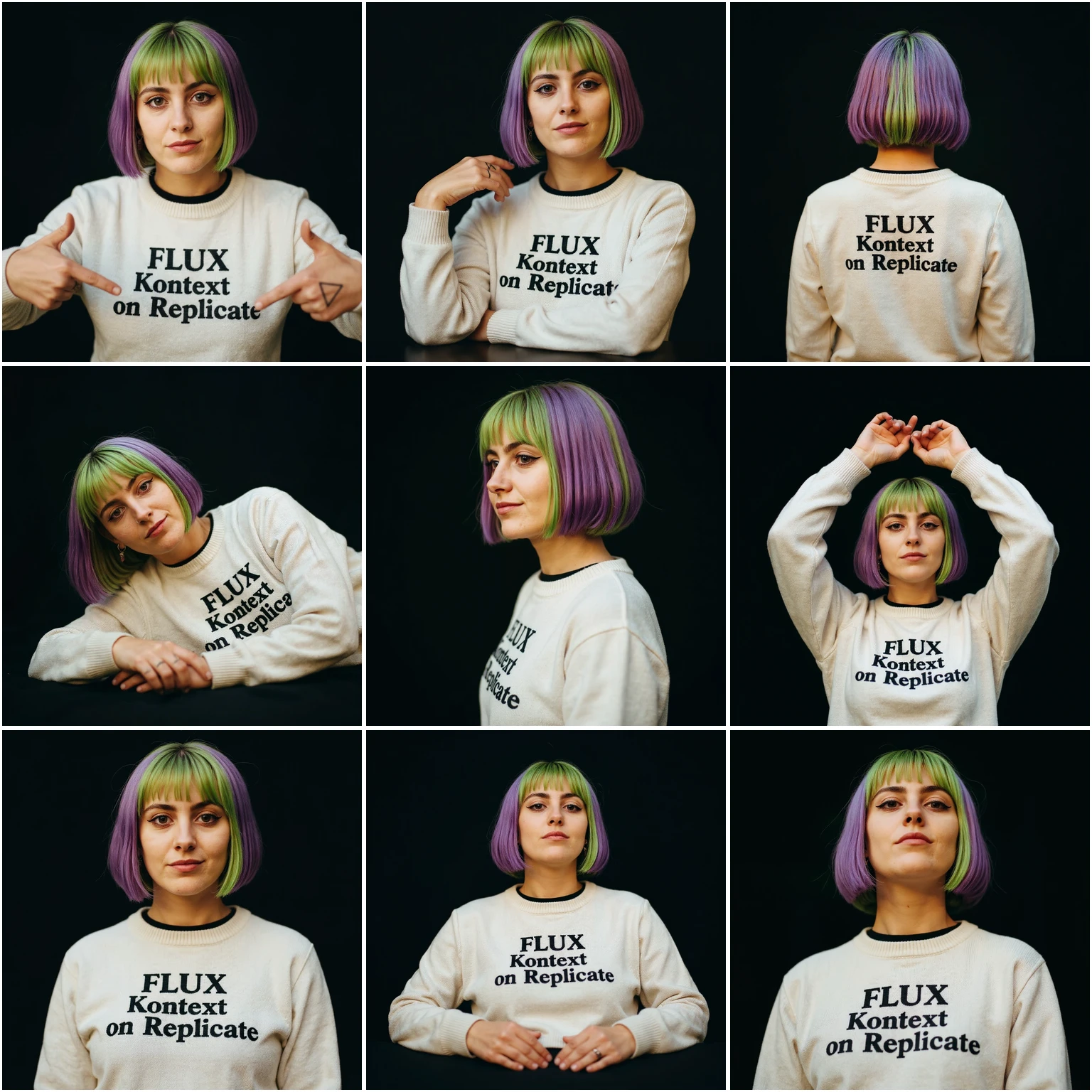
Create 5 to 13 coordinated portraits that keep the same appearance, outfit, and background while varying the pose, angle, and framing.
Instagram TikTokYouTubeDiscordTwitch
Generate a complete portrait pack for every supported destination in your selected professional or social platform group.
Upload one clear PNG or JPG portrait under 6 MB with your face clearly visible.
Choose a platform, then keep Default for platform-specific direction or choose a compatible style that overrides it.
Sign in, confirm the credit cost, then generate, review, and download your portrait.
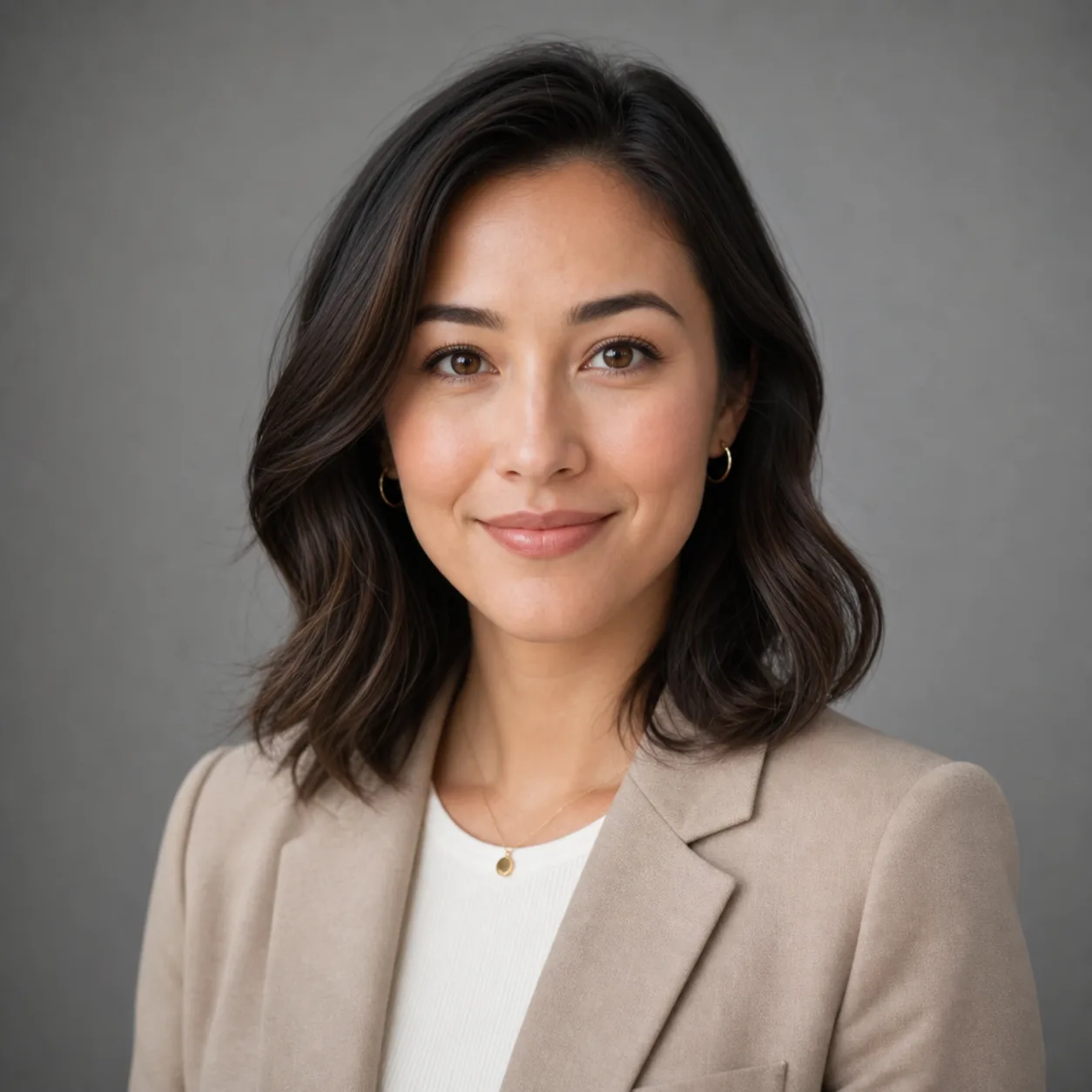
Use a generated professional portrait on LinkedIn, a company team page, a founder bio, or a consultant directory. A centered crop and restrained photographic style help the face remain clear beside work history, credentials, and contact information.
Use a natural portrait across Instagram, Facebook, WhatsApp, X, Threads, or Telegram when you want a consistent face without a formal business treatment. The selected social destination keeps the result centered on friendly profile-picture use rather than document-style presentation.
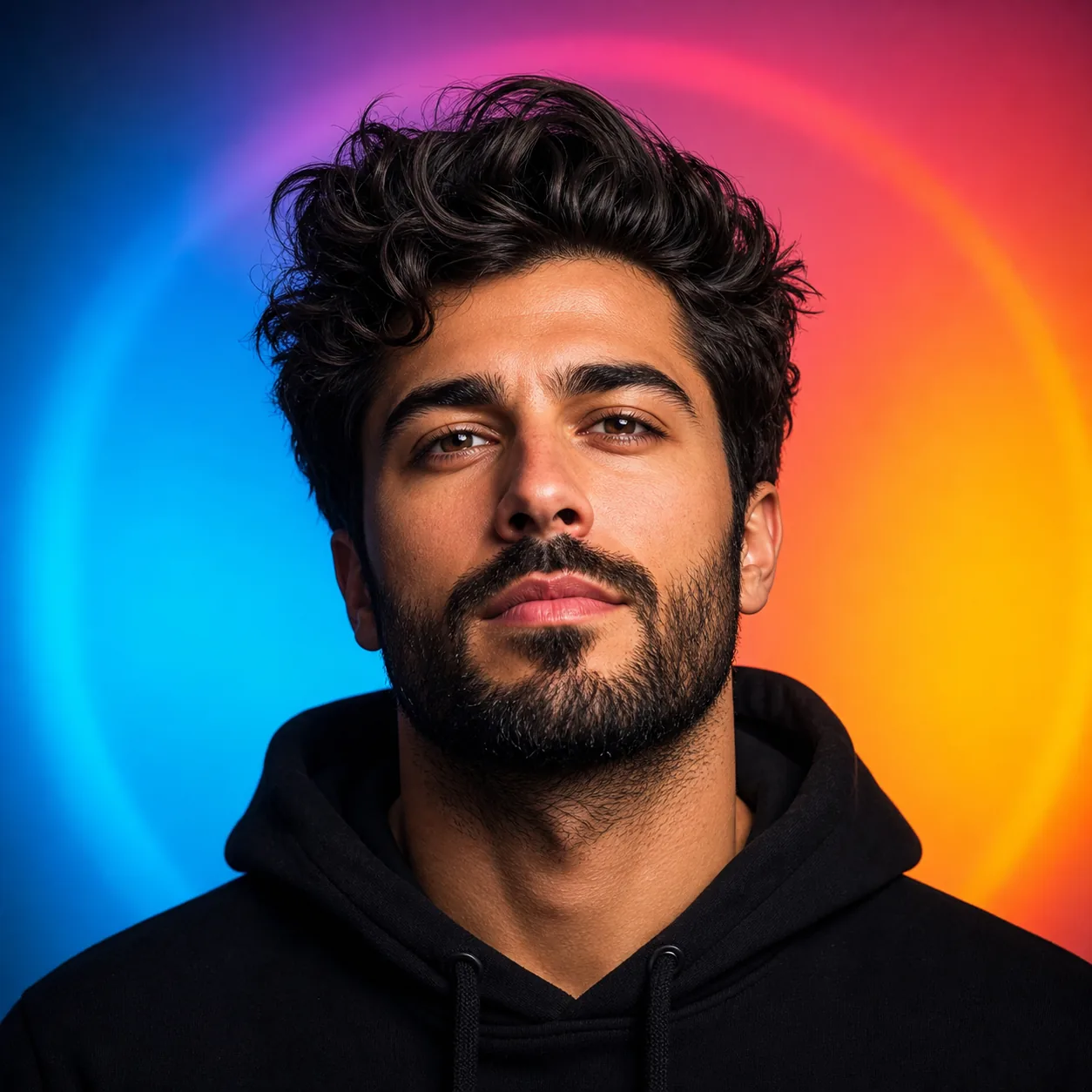
Use a higher-contrast or illustrated portrait for YouTube, Discord, Twitch, and other creator-facing spaces. A clear silhouette and deliberate background help the avatar stay noticeable beside videos, streams, chat messages, and community activity.
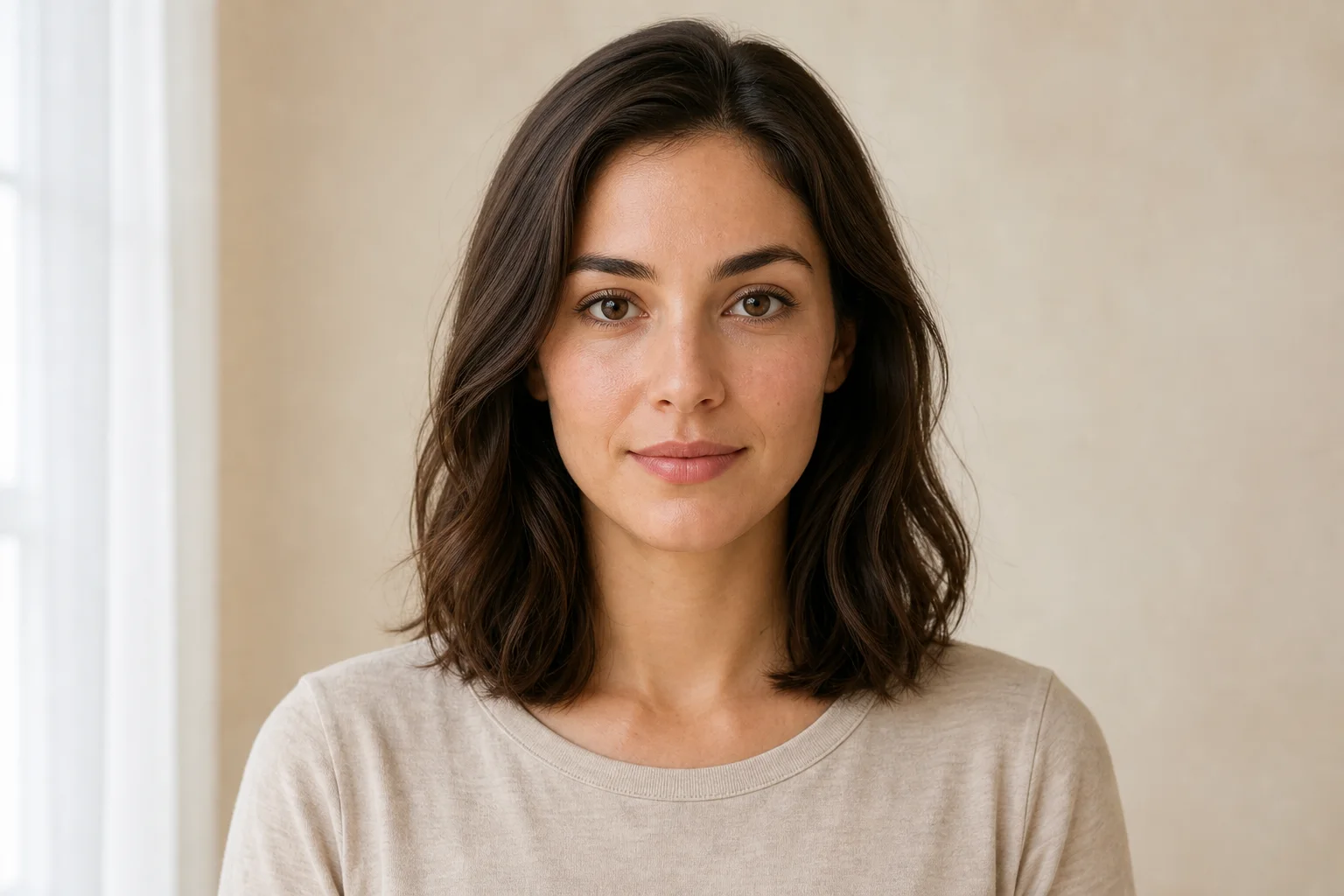
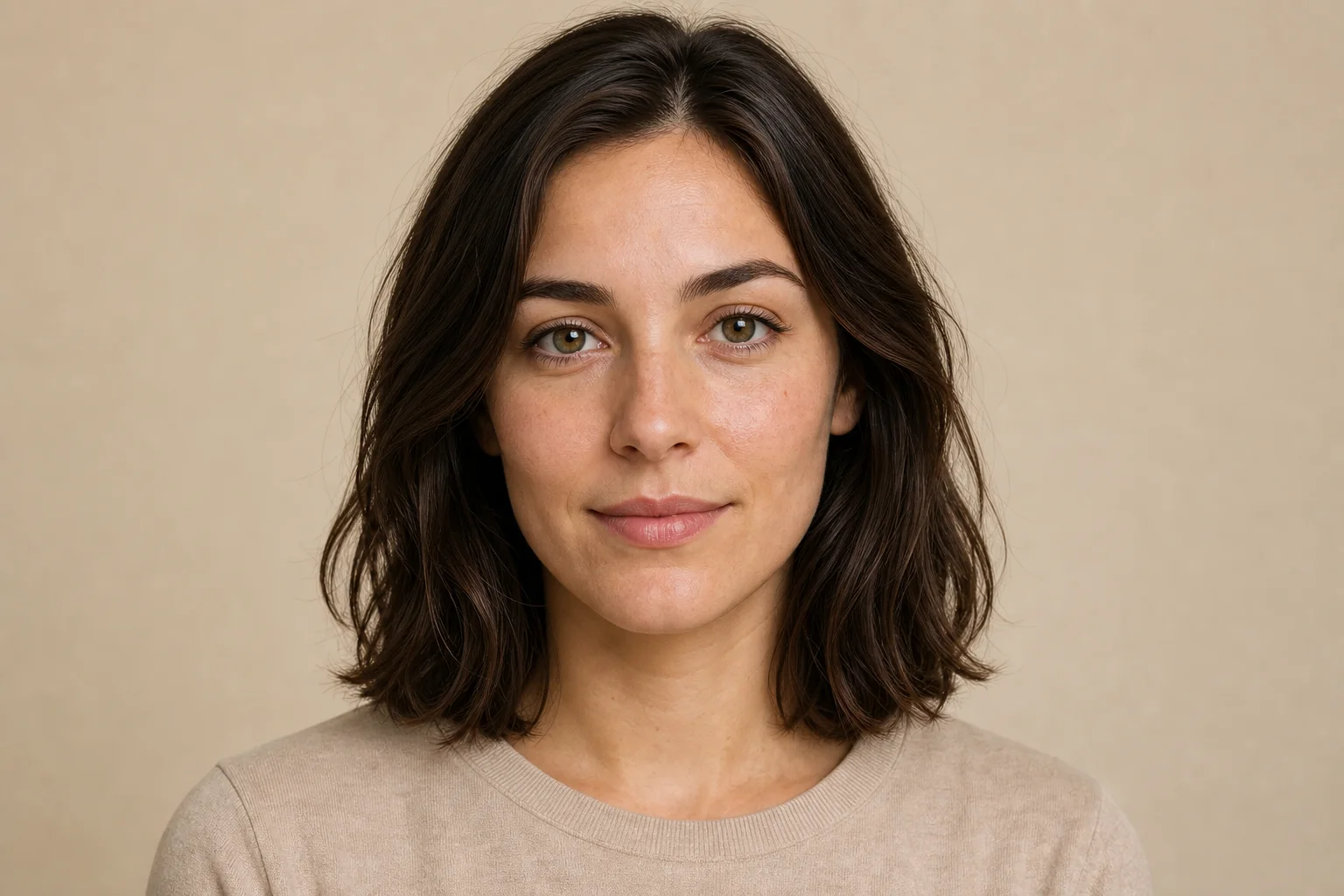
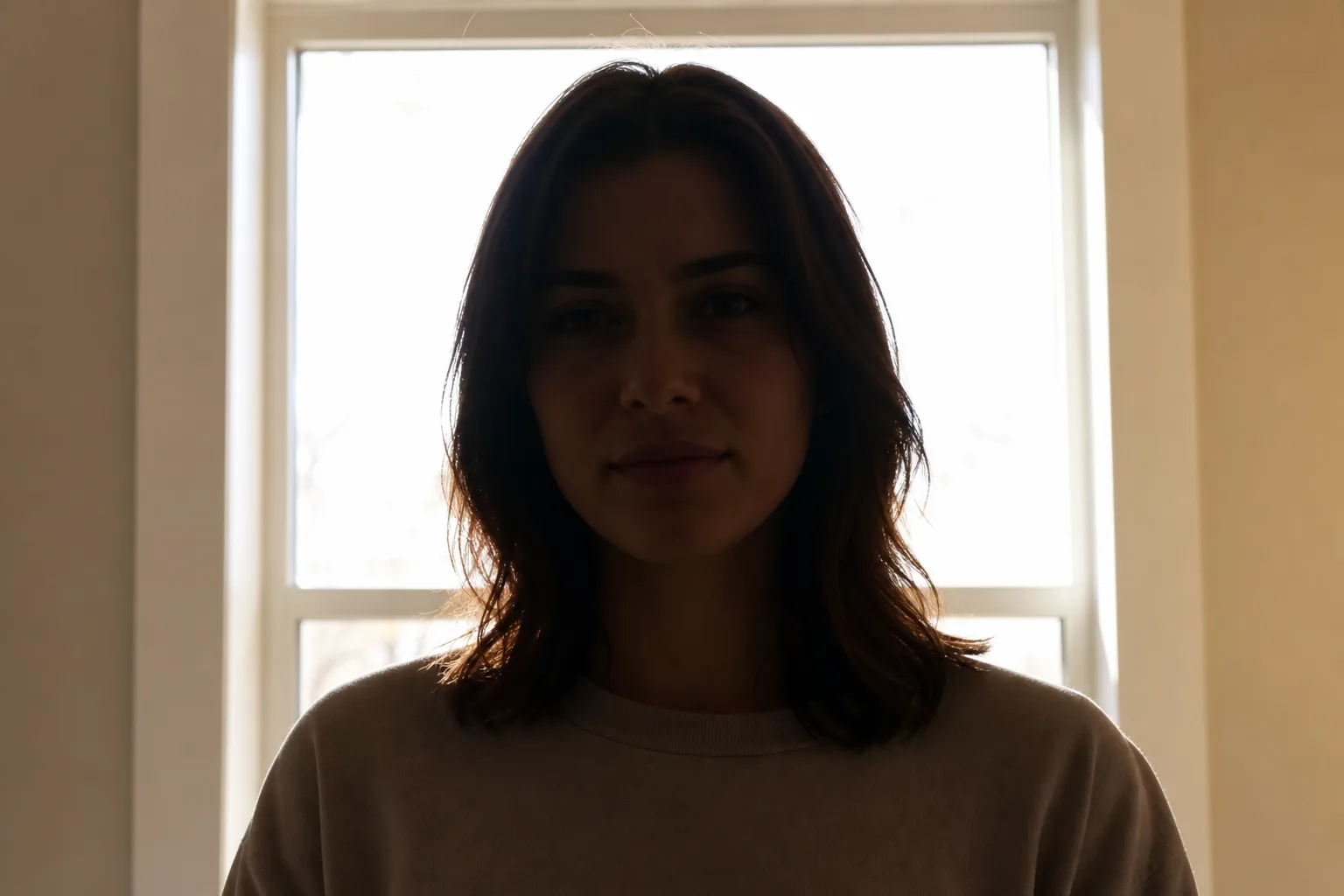
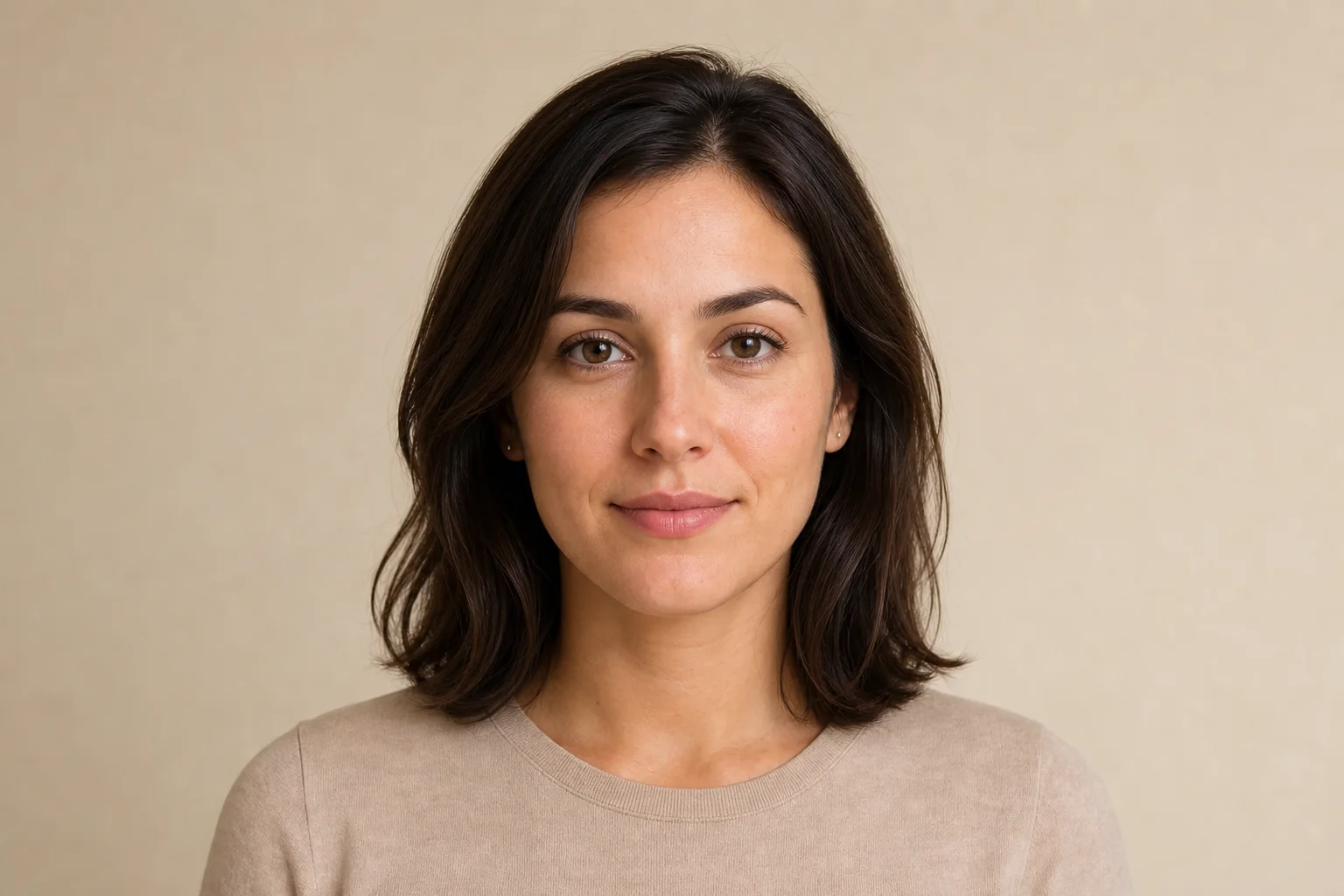
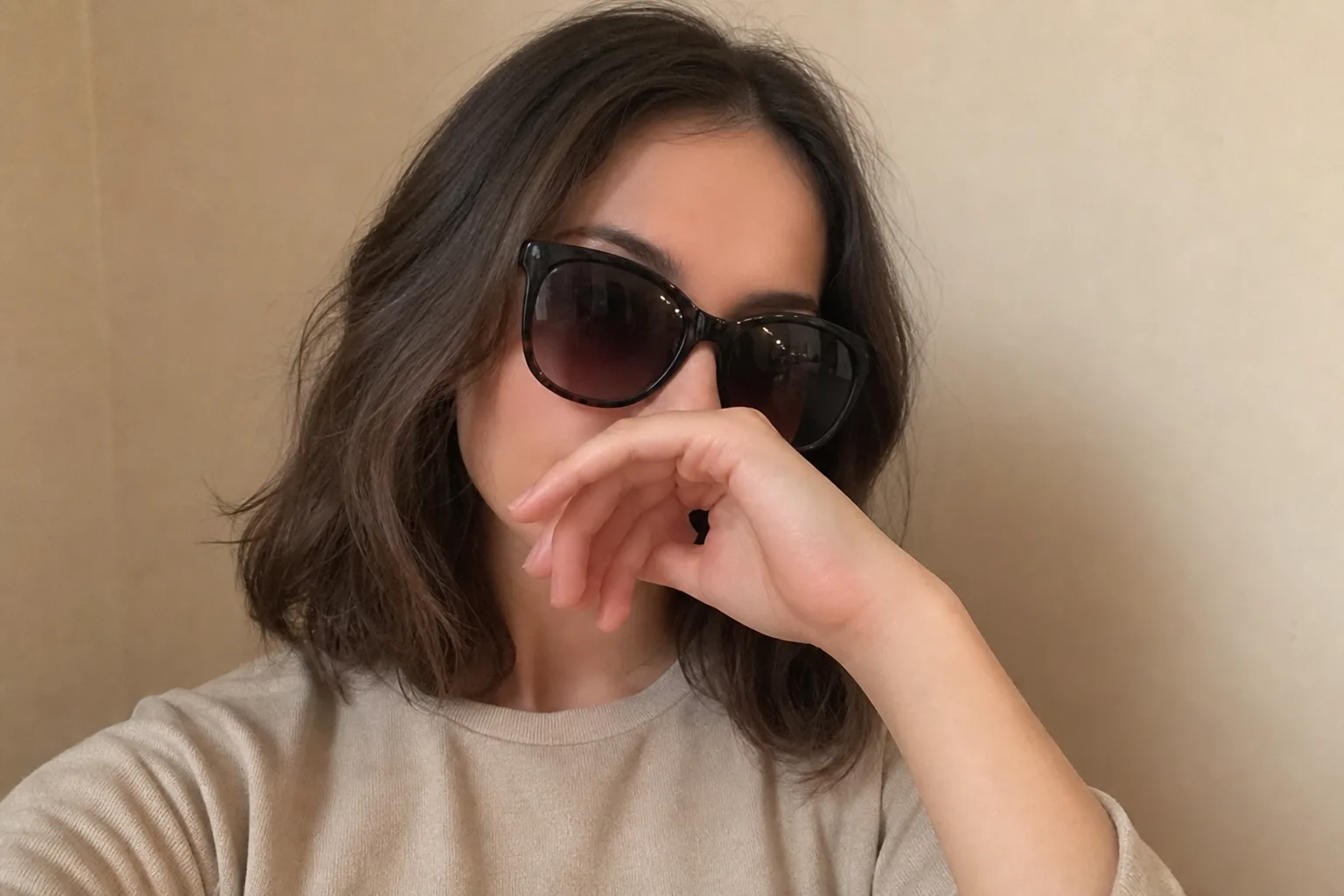
Purpose-built for profile portraits
Portraits inside a design suite
Prompt-led creative control
Create one portrait free today, or buy credits once to make more whenever you need. No subscription. No auto-renewal.
Start creating with welcome credits, then come back every day for another free portrait.
Buy credits once to create dozens of portraits immediately, without waiting for daily credits.
By purchasing, you agree to our Terms of Service and Privacy Policy.

An AI Portrait Generator creates a new portrait from an uploaded photo and selected visual direction. On this page, Default follows the chosen platform, while a specific style replaces the platform art direction. You can then review the generated result before downloading it.
The platform choice supplies the portrait direction only while Default style is selected. If you choose Studio, Fantasy, Anime, Painting, or another specific style, that style becomes the complete visual direction and the platform prompt is ignored. The platform still determines which styles are available.
Yes. Choose the Professional group, then select LinkedIn, Resume / CV, or Business Profile. These options are designed around centered, work-appropriate portrait presentation, but you should review the result for accuracy and suitability before using it in an application or public profile.
Yes. Social and creator destinations include photographic and illustrated styles for messaging accounts, social feeds, video channels, livestreams, and communities. Choose a style that fits the way you present yourself and confirm that the finished portrait remains recognizable.
Upload one clear PNG or JPG image under 6 MB. A recent front-facing or gently angled portrait with even light, one visible face, and a head-and-shoulders crop provides the most useful input. Avoid heavy filters, blur, covered facial features, and distant group photos.
Yes, you must sign in before generation starts. A single portrait uses five credits, while Portrait Series and Platform Pack show their total cost on the generate button. New accounts receive five welcome credits, enough for one portrait, and eligible signed-in users can claim another five credits through the daily check-in.
The upload accepts PNG and JPG portrait photos. Before generation, Advanced Output lets you choose PNG or JPG for the result and select a supported image ratio. The completed portrait appears in the workspace with a download action.
They may be stored so the service can complete generation, display and download results, maintain creation history, troubleshoot failures, and protect the service. Cloudflare infrastructure and Replicate or model providers may process the files as needed to operate the workflow. Review the Privacy Policy for the complete description.
The Terms allow generated outputs to be used for lawful personal or commercial profile-picture purposes, subject to applicable law and the Terms. Only upload photos you own or have permission to use, review the output before publishing it, and do not use an altered portrait to misrepresent identity, credentials, or endorsement.